Tixit TixiT
|
For venues Click for the venue page For visitors Click for the visitor page
Free · no account needed

All your tickets.
One app.

No more digging through your inbox at the gate. Your ticket is ready the moment you need it, even with no signal. And you never miss information or offers from the venues you visit.

Coming soon to the App Store Coming soon on Google Play

The app is with Apple and Google for review. The download links land here the moment it goes live.

What you can do with the Tixit app

Your ticket or season pass is ready at the gate, even with no signal. No digging through your mail, no screenshot that refuses to scan. On the day itself the map shows where you are, you find the rest of your group, and the venue can send you a discount while you are still walking around. The app is there to make your visit better, no account, no settings.
Tap a feature to see it in the app
9:41●●●
Active today
🦖
Today
Demo Zoo
Adult day ticket
Valid on22 juli 2026
Order numberDZO-4471902 View
Later
🌷
Demo Park
3 April 2026
🎬
Demo Cinema
10 May 2026
Discover
Passes
Wallet
Rebook
Map
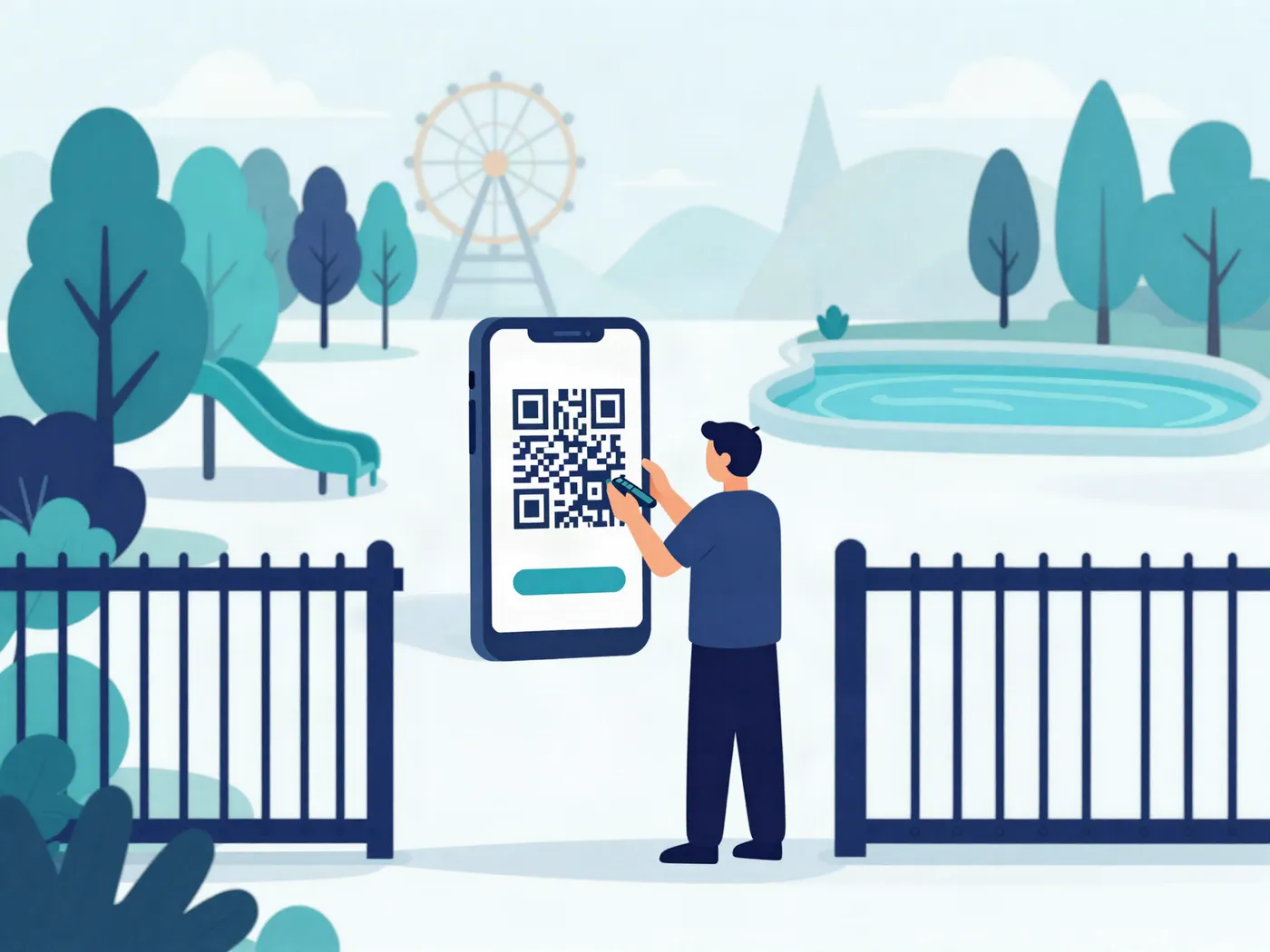
Illustratie: iemand toont bij de ingang van een park de QR-code van zijn ticket op zijn telefoon

Easy to set up, easy to use

Ready in a few taps. Nothing to think about afterwards.

Get the app

Free, and there is no account to create and no password to think up.

Share your ticket with Tixit

Open the confirmation email, tap the PDF, and pick Tixit from the share menu. Or tap + in the app and find the file yourself.

Show it at the gate

Your ticket sits at the top on the day itself. It works without signal: stored on your phone, not online.
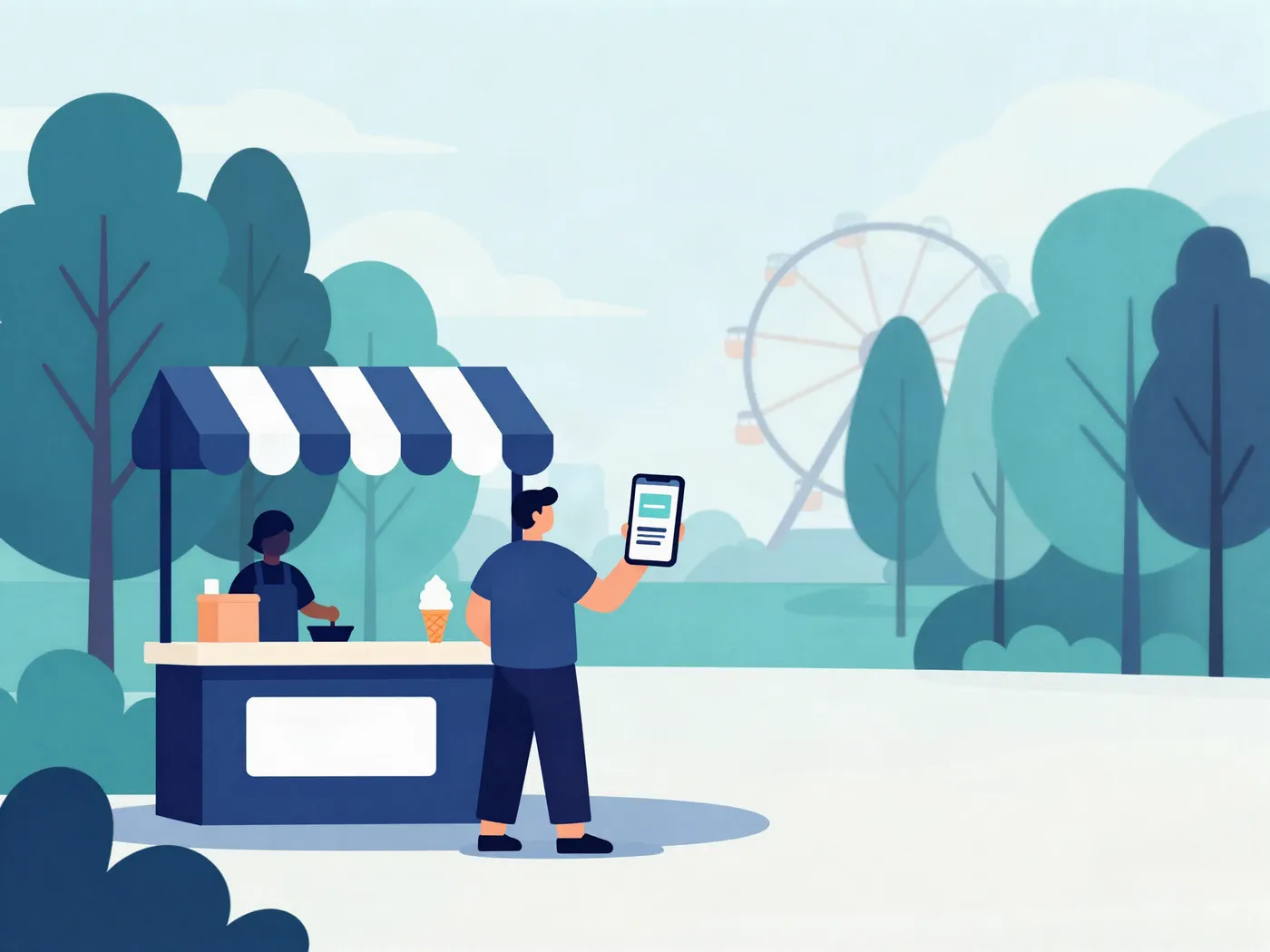
Illustratie: iemand bij een ijskraam in het park met een kortingscode op zijn telefoon

And it often pays you back

Some venues send a discount code or another offer straight to your phone, so you do not miss it.

Told when it matters

Rain on the day you are coming, a busy entrance or changed opening hours. You hear it from the venue itself, on the day it is any use to you.

Discount codes you can find again

A code for the café, the shop or your next visit. It arrives as a message and stays there afterwards, with the date it runs out.

Discover venues and book on the spot

Browse the venues in the app, see what there is to do and go straight through to the venue's own shop to book.

Free for now

The Tixit Pass

One pass, a discount at the venues taking part.

  • Find somewhere new Discover venues you have not been to yet, and use the offers they have for Tixit Pass members.
  • A code of your own As a member you get your own code: use it in a venue's web shop, or show it at the till. A venue's info page says which offers it has for members.
  • Your wallet stays yours As a member you can restore your wallet whenever you like, so a new phone does not cost you anything that was in it.

Your tickets stay yours

They live on your own phone, not on a server of ours. Without a Tixit Pass there is no account, so we do not know who you are. A venue can message you about your visit day; notifications go off whenever you like.

Take a Tixit Pass and you fill in an email address, a name you choose yourself and your birth day and month. If you want to be able to restore your wallet on a new phone, you can switch on an encrypted copy for that. You switch both on yourself, and you can switch both off again.

Questions other people asked

Not answered here? Send us a message.

Getting started
Open Tixit and tap +. Pick the PDF from your confirmation email, or share that PDF with Tixit straight from your mail app. We pull the QR code out of it. Nothing to type over.
PDF tickets with a QR code or barcode, from zoos, museums, theme parks and other attractions. At venues that use Tixit themselves you also get their park map and their messages.
Not for the app: no account, no password, start straight away. Only the Tixit Pass needs one, and that is an email address , nothing more.
Nothing for you. The app is free: no subscription, no in-app purchases and no ads. The Tixit Pass is free for now.
iPhone and Android. The app is a free download.
At the gate
Yes. Your tickets are on your phone rather than in the cloud, so you can show them without signal or wifi.
Some venues only reveal the QR code shortly before your visit, to discourage resale. It appears on its own; the rest of your ticket stays visible.
Use the original PDF rather than a screenshot. The app reads the PDF itself. If it still will not go in, we probably do not know that venue's layout yet. Tell us from inside the app and we will make it work.
During your visit
Because you have one of their tickets in your wallet. They send things like opening hours, how busy it is, or an offer for the day you are coming. You can switch notifications off any time in your phone's settings.
If a venue sends an emergency alert, everyone holding a valid ticket for that day gets it immediately. It works separately from their normal messages.
Save it to your wallet from the message. It then sits at the top, and you show it or type it over at the till or in the webshop. Used it? Tick it off and it moves to your archive.
Yes. From the park map you start a small group and share a QR or number code. After that you can see each other on the map. The group closes itself after 24 hours, and you only share while you are inside the park.
Keeping your tickets
Yes. A booking with four QR codes becomes four separate tickets in the same wallet, so at the gate you show exactly the right one. If everyone has the app, you can share your location with each other during the visit too.
Yes. Season passes, annual tickets and memberships get their own tab alongside your day tickets. You add them exactly the same way.
A few days later they move to your archive by themselves, so your wallet stays tidy. You can always find them back, and clear them out whenever you like.
Without a Tixit Pass your tickets live only on your phone, so you would lose them. Keep your confirmation emails and you can add them straight back. With a Tixit Pass you can switch on an encrypted backup and restore your wallet on a new phone.
Privacy and documents
Yes. For season passes where ID is requested, scan the document with the camera and the app crops it. It stays on your own phone.
As little as possible. Your tickets, passes and scanned documents stay on your phone and never reach our servers. Without a Tixit Pass you create no account and we do not know who you are. With a pass you give us an email address, a name you pick yourself, and your birth day and month , not the year, because that would give away your age.