Your park as an interactive map in the app
Not a picture but a map that moves with your visitors. They see where they are, live, tap an attraction for a photo and a description in their own language, and find their group on the map. You make it yourself in the dashboard.
- Live position
- Tap for photo and info
- Groups on the map
- In four languages
On every paid plan, from Start. Free: Tixit's street map with the visitor's position.
In four steps
Every change is a draft visitors do not see. You can stop and continue later, and publish only when the map is ready.
Map
Choose the street map Tixit draws from the real streets and paths, or upload your own plan and line it up over the real map.
Place
Search your address or click the map, then choose the size, from 100 metres to 10 kilometres, and the shape.
Markers
Put rides, animals, food and facilities on the map, each with an icon, a label and, if you like, a photo and text in four languages.
Illustrated map
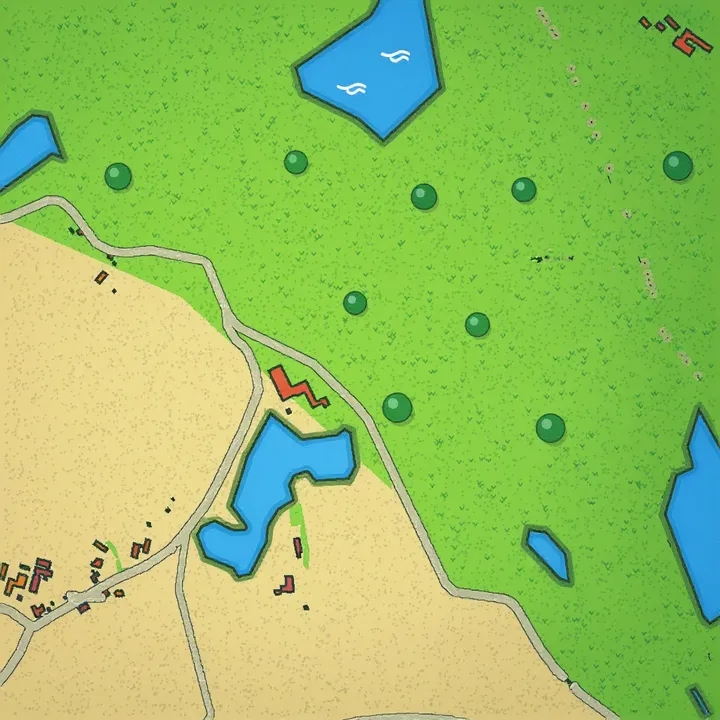
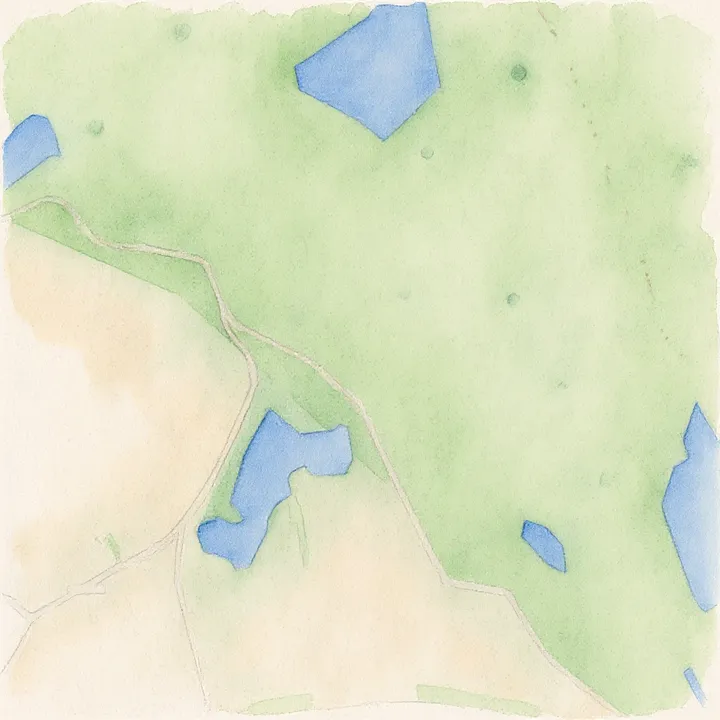
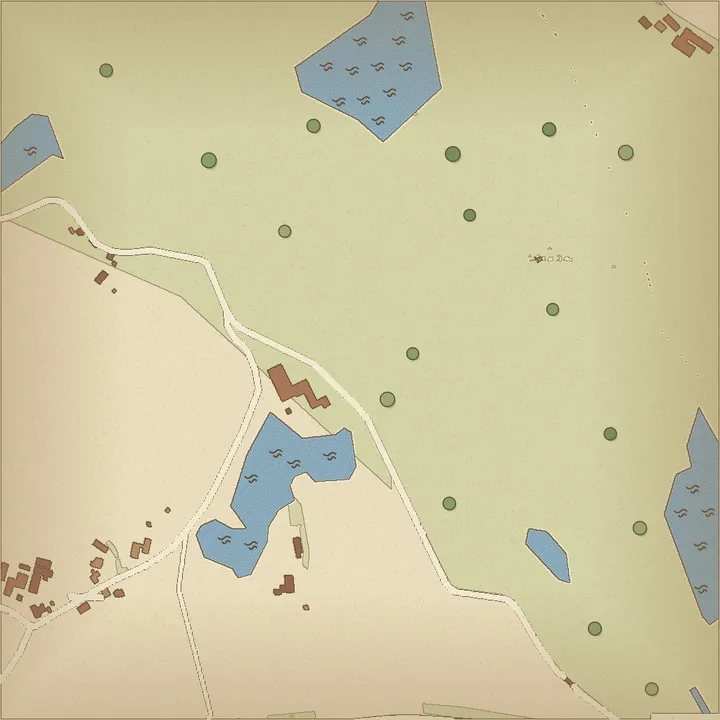
Have the map drawn as cartoon, watercolour, vintage or in Tixit style, with AI assist. Visitors switch between the drawn and the plain map.
A map in your park’s own style
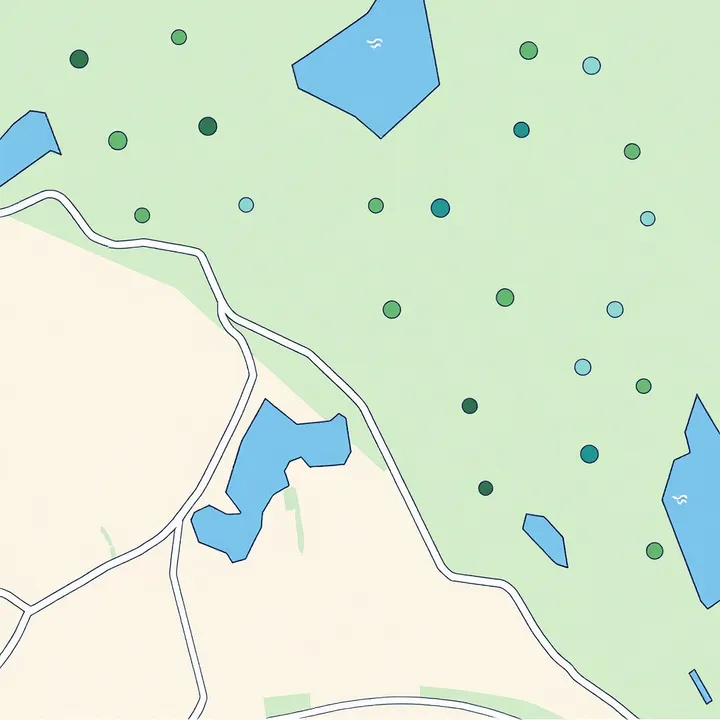
The park map is often the first thing visitors see of your park. Drawn in a style that suits your venue, it becomes as recognisable as your logo: playful for a play park, classic for an estate. The drawing follows your paths and water, so visitors really find their way with it.
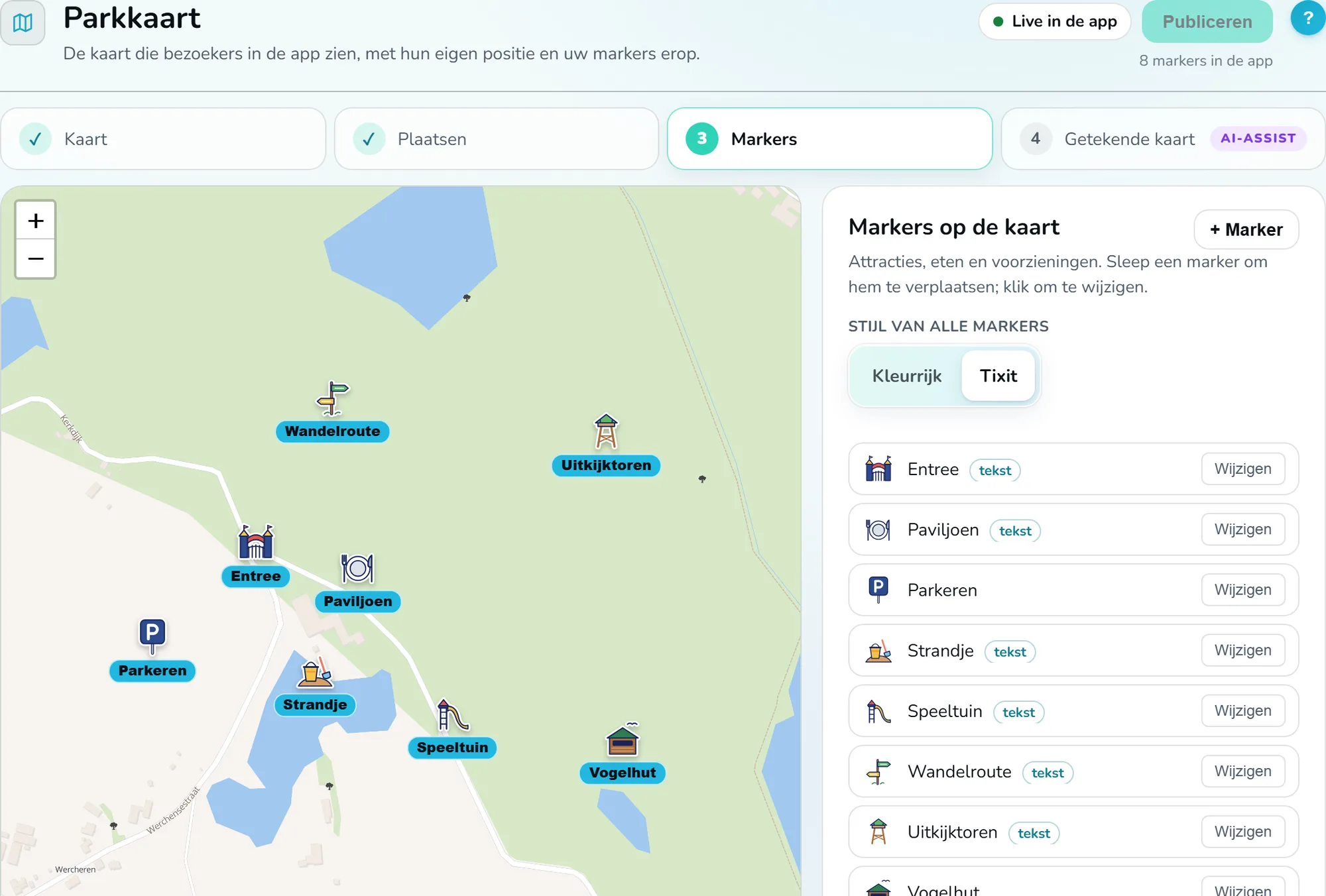
Every marker is a button
Put attractions, food and facilities on the map with 84 Tixit icons of our own or colourful emoji. Give each marker a photo and a description; one tap shows it to the visitor, in their own language. Visitors find what they are looking for themselves, and you tell more about every spot than a sign can.
Pick a marker
- Icon
- Name
- Entrance
- Photo

- Description
- Ticket desk and information. Tickets in the app are scanned here.
- Icon
- Name
- Rollercoaster
- Photo
- No photo
- Description
- From 1.20 metres. The waiting time is shown at the entrance.
- Icon
- Name
- Ferris wheel
- Photo

- Description
- Thirty metres high, with a view over the whole park.
- Icon
- Name
- Playground
- Photo

- Description
- Climbing frame, slides and a sandpit, for children up to 12. Benches in the shade.
- Icon
- Name
- Giraffes
- Photo
- No photo
- Description
- Feeding time at 14:00, at the viewing platform.
- Icon
- Name
- Pond
- Photo

- Description
- Canoes and pedal boats, from April to October.
- Icon
- Name
- Ice cream parlour
- Photo

- Description
- Scooped and soft ice cream, every day from 11:00.
- Icon
- Name
- Restaurant
- Photo
- No photo
- Description
- Lunch and coffee, with a terrace by the water.
- Icon
- Name
- Lookout tower
- Photo
- No photo
- Description
- A view over the whole park, 112 steps.
- Icon
- Name
- Toilets
- Photo
- No photo
- Description
- Also a baby room and an accessible toilet.
- Icon
- Name
- First aid
- Photo
- No photo
- Description
- At the main entrance, staffed all day.
- Icon
- Name
- Parking
- Photo
- No photo
- Description
- Free parking, also for campers.
On the day itself
What the interactive map does once your visitor is in, and what you see of it.
For your visitor
- Sees where they are, live, and finds the way without a paper map.
- Taps a spot for a photo and a description, in their own language.
- Sees their group on the map: up to ten people share a code, for 24 hours.
For you
- Tell more about every spot than a sign can. A change is in the app as soon as you publish.
- See in Insights where it is busy and which routes visitors walk, anonymously and only from those who agreed.
- Your map in a drawn style that suits your venue, with icons visitors recognise at a glance.
Ready to get started?
Register your venue, set up your listing, and appear in the app as soon as we have checked your details. Registering is free.
A question? We reply within five working days.