The right offer during the visit, the right questions after it
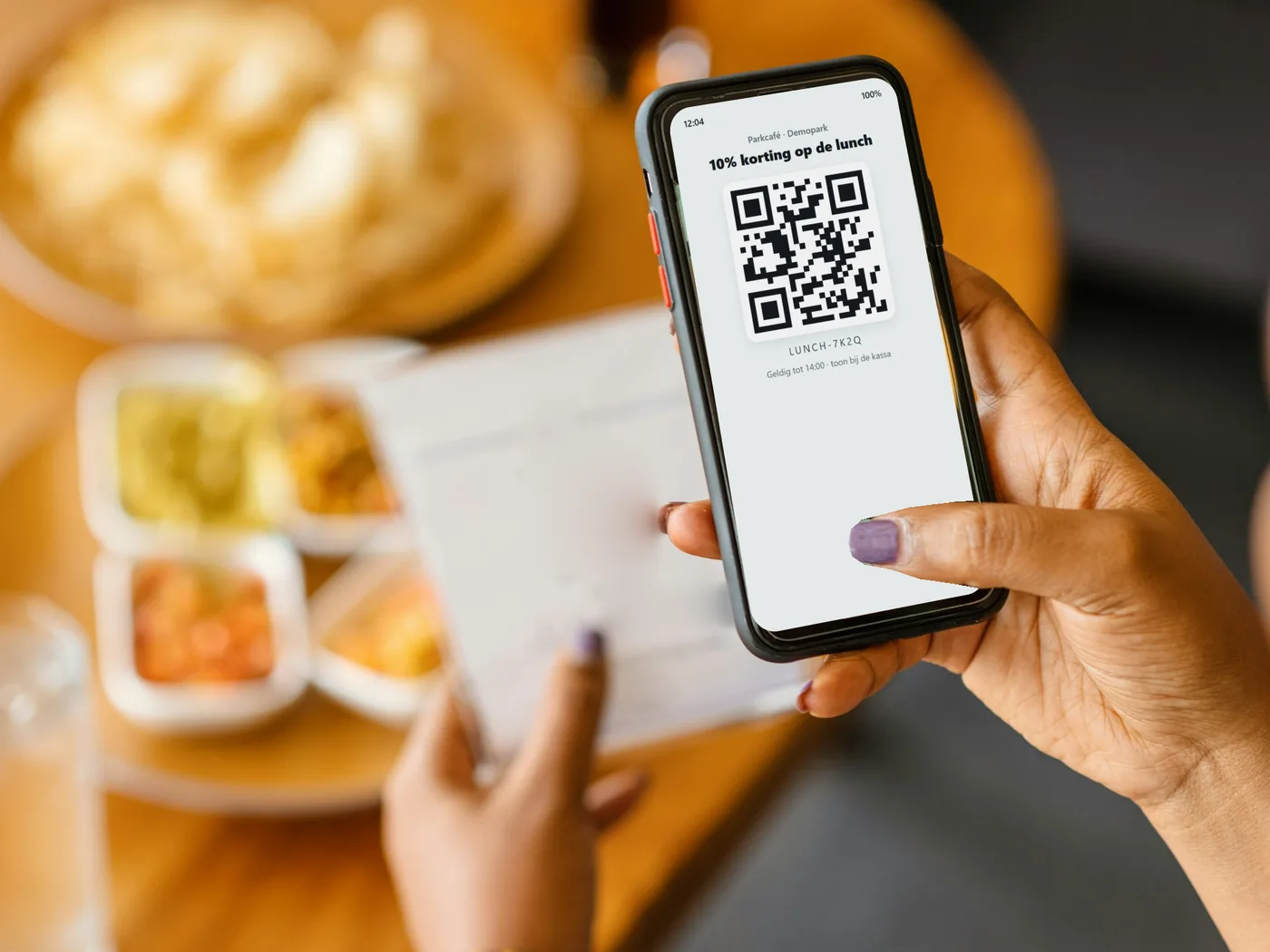
A discount code in a push message on the day of the visit invites visitors to lunch in your restaurant or a purchase in your shop while they are with you. Shortly after the visit, a survey asks how it went while the experience is still fresh. Per campaign you see how many codes were collected, per survey what visitors answered.
Codes that work with your till
The code appears in the message as text, a QR code or a barcode, with an end date. Only recipients of the message can collect it, and per campaign you see how many codes were collected.
One code for everyone
The same code for every recipient: simple for a promotion in the shop or the restaurant. Also in emails.
A unique code per ticket
Every ticket gets its own code from your list or from a series Tixit generates. Each code belongs to one ticket, and you see exactly how many codes were collected.
Import your own codes, or let Tixit generate them
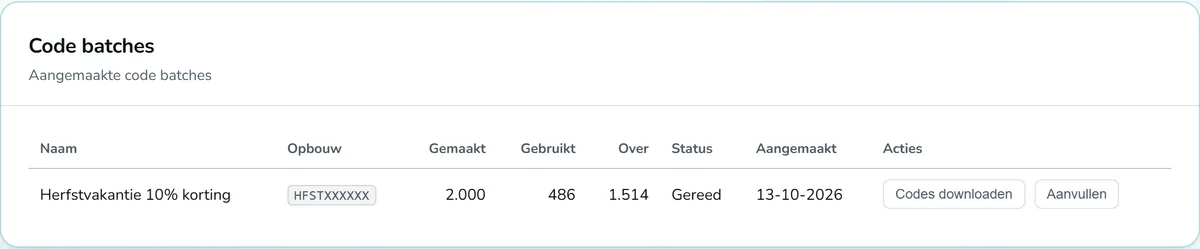
If your till system already works with its own codes, you add that list to the message. If you have no codes yet, Tixit generates a series of up to 100,000 unique codes in the format you choose. You download that list as a CSV for your till system and top up the series whenever needed. When 50, 75 or 90 per cent of a series has been handed out, you receive an email.
Measuring customer satisfaction after every visit
A survey of up to ten questions, with stars, a recommendation score from 0 to 10, multiple choice or an open question. You add it to a push message or email, also automatically after every visit.
In an email, the survey opens on a page in your own house style. Answers are always anonymous, so the survey stays GDPR compliant.
The outcome at a glance
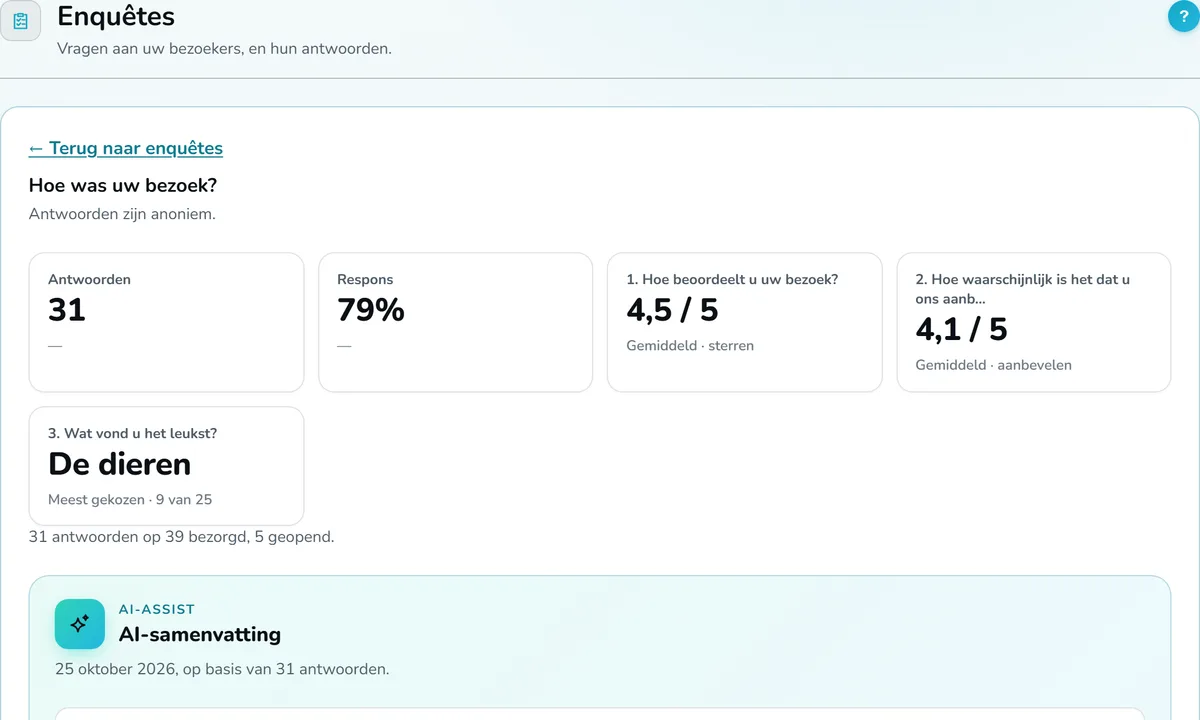
For each survey you see the number of answers, the response rate and, per question, the average or the most chosen answer. With AI assist, AI summarises the open answers and translates your questions into the app's other languages, so every visitor fills in the survey in their own language.
Frequently asked questions about discount codes and surveys
Ready to get started?
Register your venue, set up your listing, and appear in the app as soon as we have checked your details. Registering is free.
A question? We reply within five working days.